See what your students practised before they walk in.
Mewstro is a practice app your students use between lessons. Set a goal with them, a piece by a date or a grade exam, and before the next lesson you can see what they did, how it went and which bits still wobble. One subscription covers your whole studio, and your students don't pay.
I built it alongside my own piano teacher, Ellie, and her studio still uses it. Any instrument, on iPhone and Apple Watch, and in the browser for students on Android.
Card needed to start. One reminder email a week before the first charge, and you can cancel in one click.
Example studio
Your studio, this week
Invite code
PIANO
Practised
5 of 6
Total
12h 55m
Sessions
31

Students working towards a grade exam? Set the exam as their goal and the pieces, scales, sight reading and aural get spread across the weeks, with run-throughs before the day.
How exam prep worksEvery student's goal on one page
Set a goal with a student from your dashboard, a piece for the spring concert or their Grade 3 exam, and watch their plan fill in week by week: which pieces are coming along, what needs a nudge, and how their practice compares with what they planned. It's on both studio plans.
There are no predictions or pass claims, only what students practised and how they said it went. Mewstro isn't affiliated with or endorsed by any exam board.
What you see as their teacher
I've kept the dashboard to the things that change how students practise, and left the rest out.
- Assignments
- Set a task like “bars 12 to 24, 15 minutes a day” for one student or several. Their practice counts towards it as they go, so the lesson carries on into the week.
- Practice notes
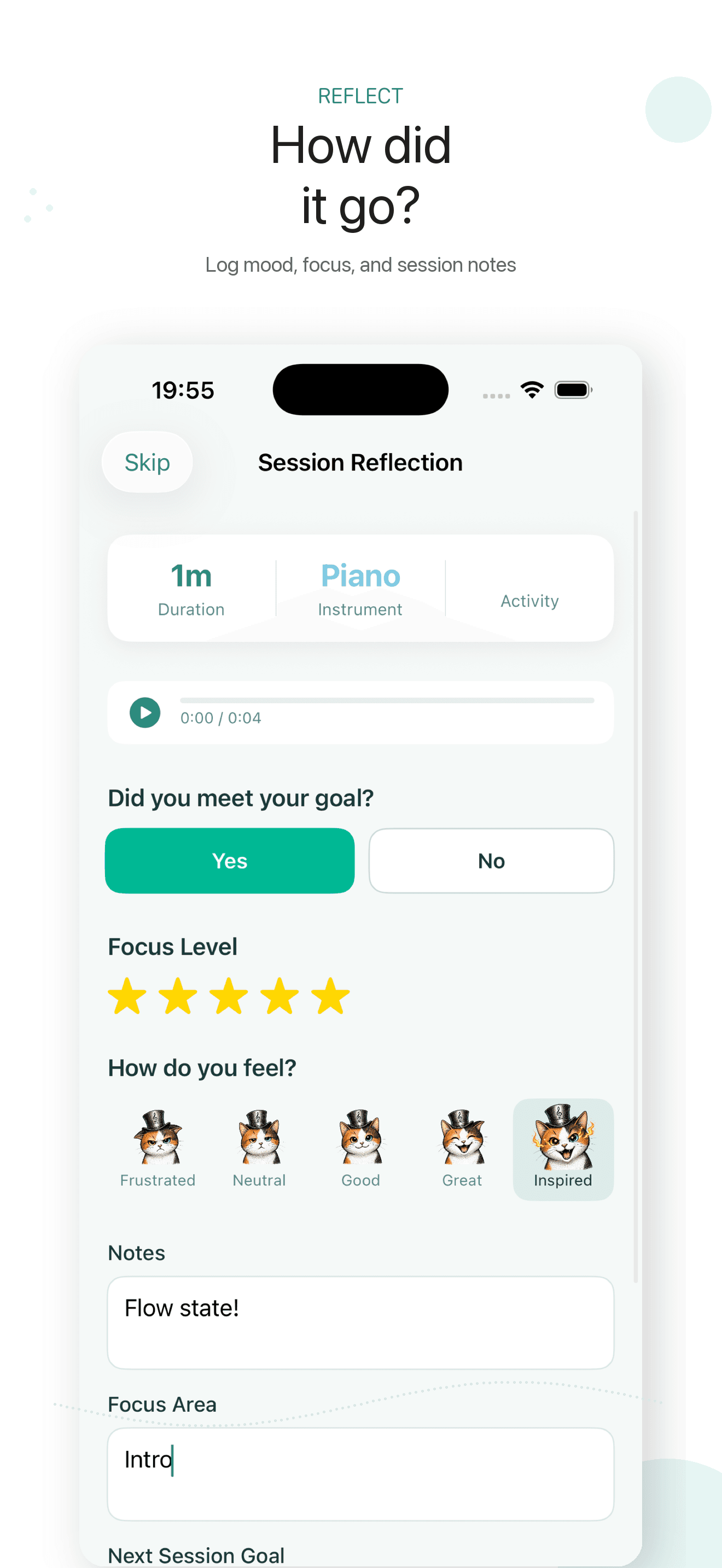
- After each session students say how it went and what they want to work on next. You read that next to the session, so you know how the week went as well as how long it was.
- Weekly digest
- An email every Monday morning: who practised, who didn't and what they worked on, with a link to nudge anyone who's gone quiet.
- Heatmap per student
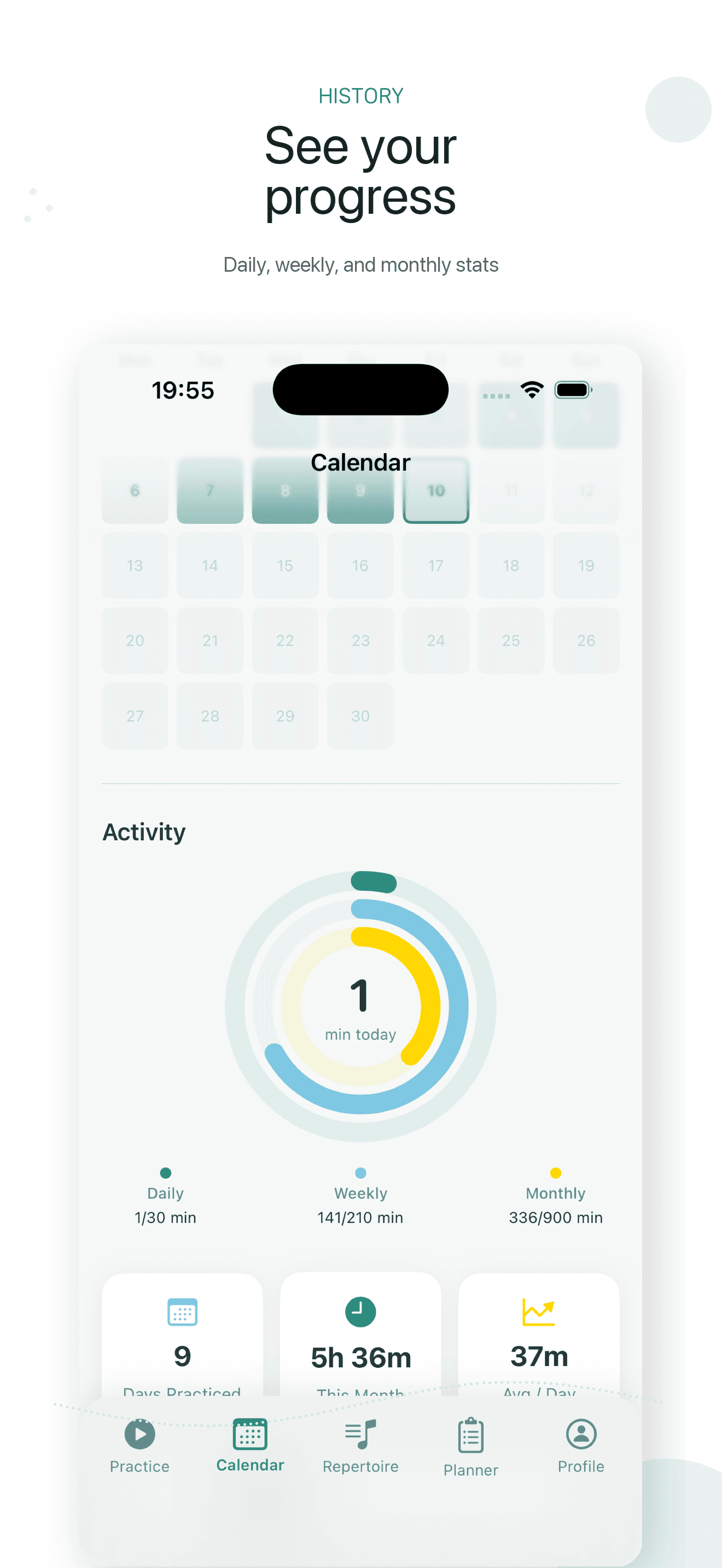
- 90 days on one calendar. You can spot the student who was flying and then stopped, and the one who only practises the night before.
- Studio materials
- Share a technique video, a listening example or a PDF with the whole studio or just a few students. It sits in their app between lessons.
- Milestone Moments
- Students record a short clip when a tricky passage finally comes together. You see every one on their page, so the year's progress is there to look back on.
- One invite code
- One code for the whole studio. Students tap “I have a code” when they first open the app and they're in. No card details, nothing for parents to pay.
- A leaderboard, if you want one
- Some studios like a bit of friendly competition and some never switch it on. Each student chooses whether to appear. It counts showing up, and it never tells anyone off.
“This app is everything that I'd been looking for! It allows me to work with my students to put together their practice schedule, and creates an inviting space for them to record how well they're able to stick to that schedule. I also love the leader-board feature, this really appeals to my more competitive students! Highly recommend.”
“Overall Mewstro has given me a clearer understanding of my students' activity in between lessons. It has allowed me greater ease of sharing learning materials with my students and has enabled me to have a source of contact which was missing before using the app.”
What your students get
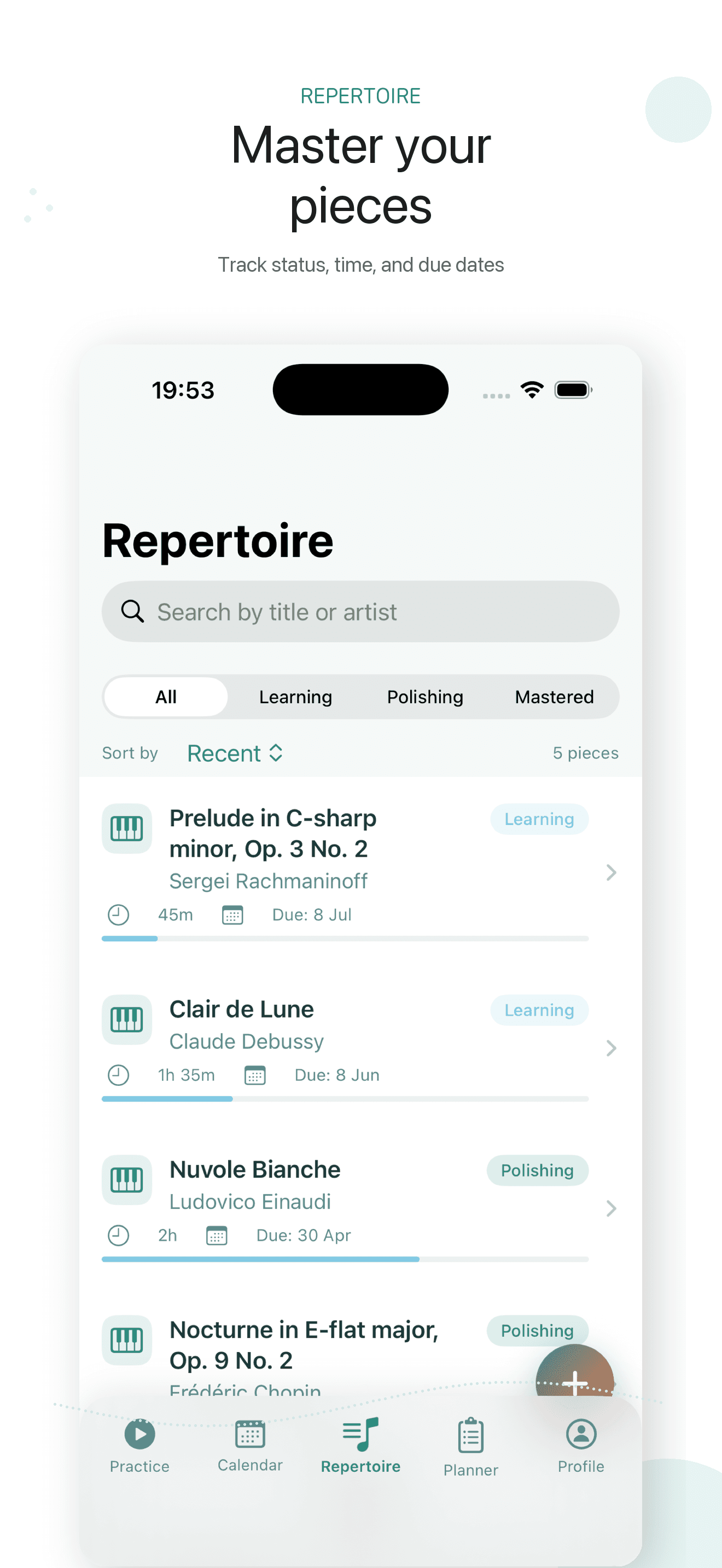
The whole app, paid for by your subscription. Before they play they say what the session is for, then they play, then they say how it went. Mewstro remembers where they got to, so the next session picks up from there.
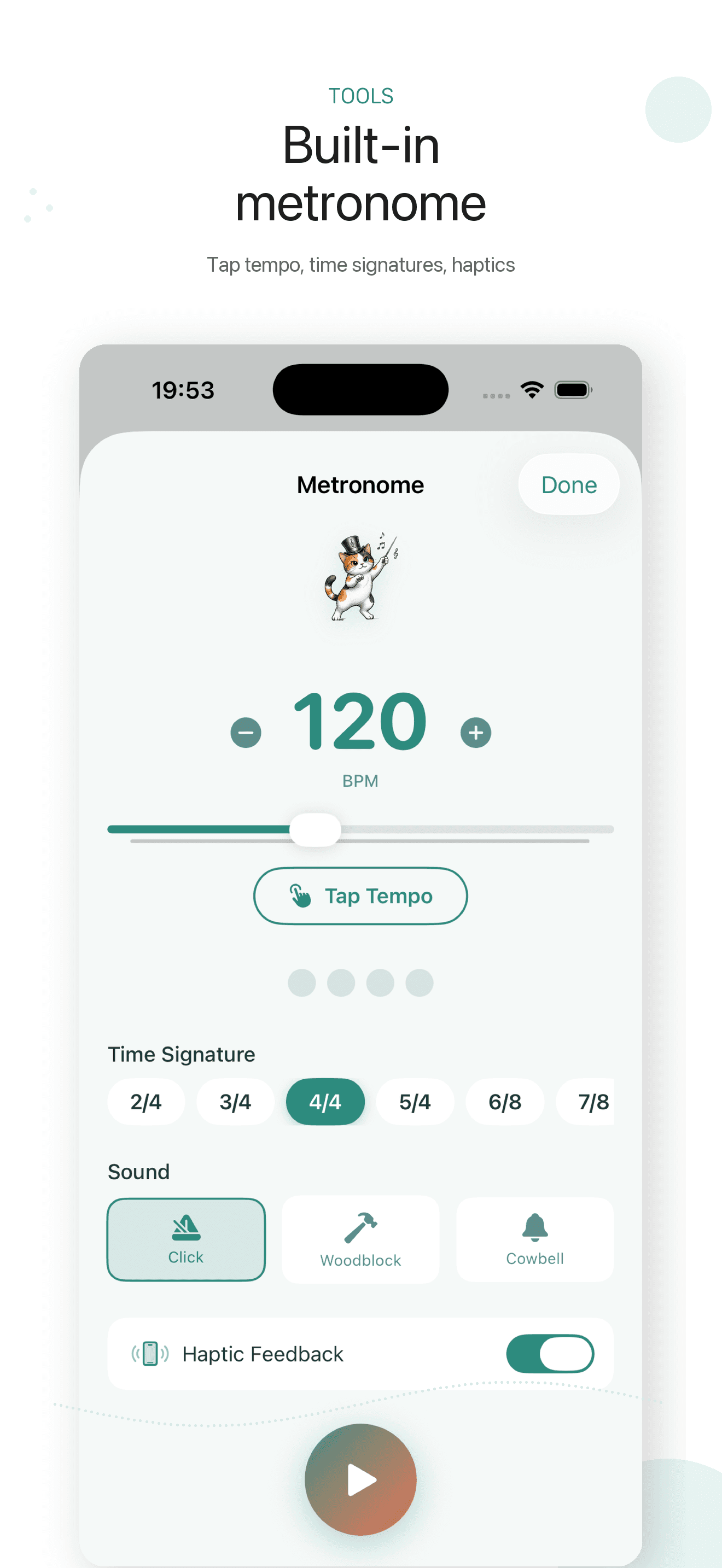
Timer, repertoire, streaks, widgets, the Apple Watch app, Milestone Moments and the cat in all nine of his moods. Your students never see an upgrade prompt. They download Mewstro from the App Store and join with your invite code.
Say what you'll work on, Mewstro keeps time
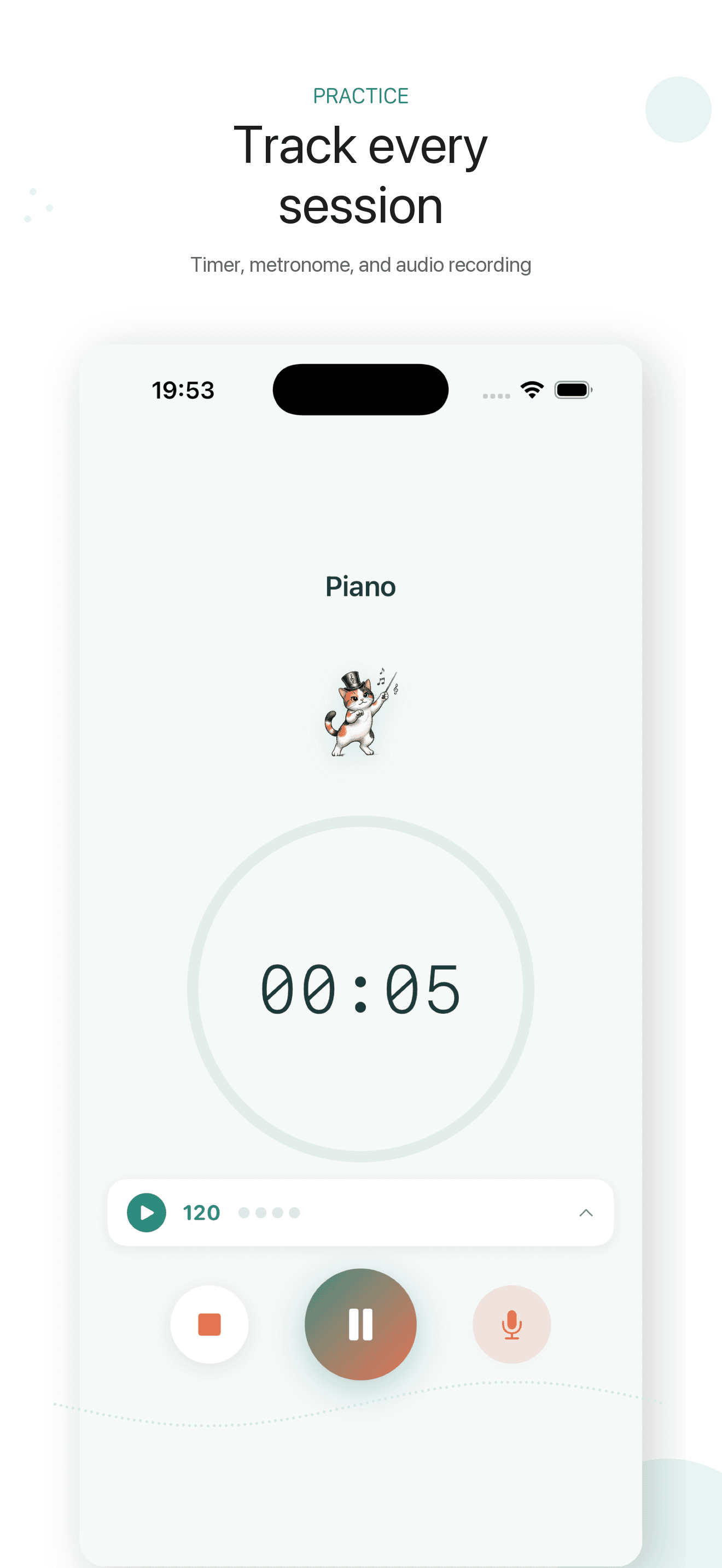
Pick what you're practising and how long you've got, say sight reading for 20 minutes. Mewstro counts down with you and gives a gentle nudge when time's up. Carry on or stop, it's up to you. Next time it remembers where you left off.
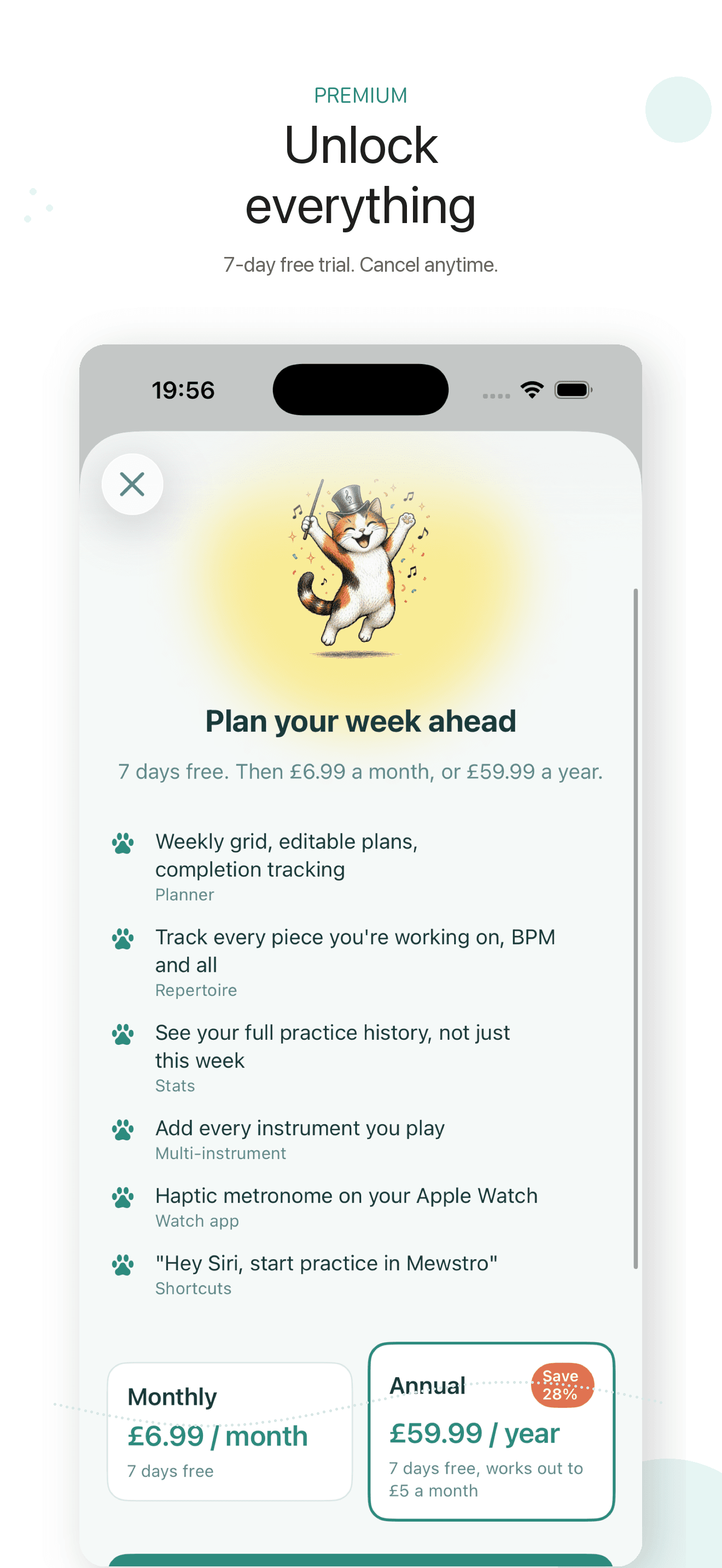
Intention setting is on every plan on iPhone, including Free. Premium links an intention to a piece and starts it from your weekly plan.
Things I've decided and won't change
- No ads, and your data isn't for sale
- Teacher subscriptions and solo Premium pay for Mewstro. No banner ads, no sponsored tips, and student data is never sold, shared or used to train machine learning models.
- Straightforward billing
- One reminder email a week before the first charge and one-click cancel from your billing page. If prices ever change, I'll tell you before it reaches your card.
- Your data if Mewstro closes
- If Mewstro ever had to shut down, every user on every plan would get a full CSV export before anything went offline.
Two plans, depending on how many students you teach
25 students or fewer, or more than 25. Either way it's around £1 a student a month or less, and both start with a 30-day trial.
Studio
or £149 a year, which saves £30
Up to 25 students, each with the full app. About 60p a student a month with a full studio.
Studio Unlimited
or £249 a year, which saves £50
As many students as you teach, priority support, and new teacher features first. You can switch plans from your billing page if your studio changes size.
Questions teachers ask
See your studio's week by next Monday
Start the trial, hand your students the invite code, and the first digest arrives on Monday. Thirty days before the first charge, a card to start, one reminder before it, cancel in one click.
Not a teacher? Mewstro for learners on their own